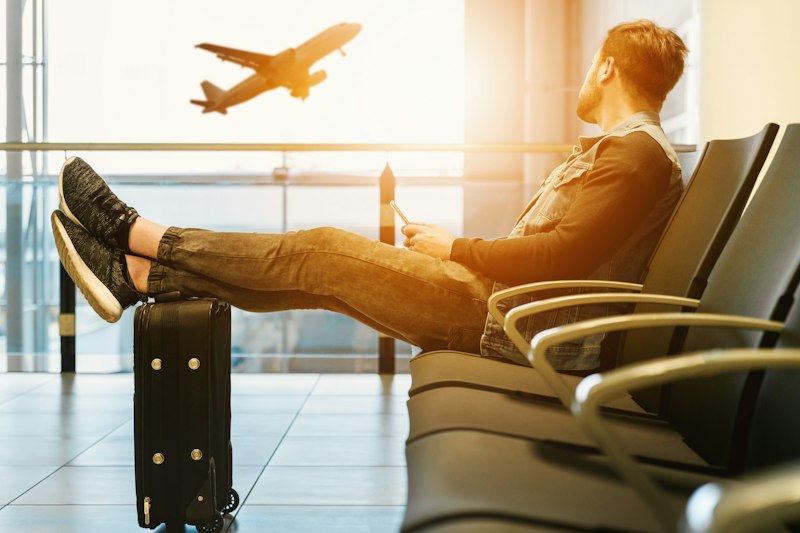
You arrive at boarding with a pounding heart and anxiety and you check, reassured, that there are no strong turbulent jet streams on your flight and you hope to do a good anti-panic reading course with our writings and our blog. Then the ominous but normal announcement from the cabin attendants: “Ladies and Gentlemen, please place all electronic devices in Airplane Mode. Onboard Wi-Fi is not available”.
Total panic? No! Here at FlyCalm we have built, exclusively and engineered to allow you the sleep of the righteous, a formidable solution to this disconcerting flaw in the total absence of satellite signal or data network struggling in the clouds (the Cloud!). It's time to use and find out how to enjoy the experience with FlyCalm Extreme Offline Mode PWA and get immense relief and assistance from your car seat.
What is a PWA and how to download FlyCalm for free
The FlyCalm app has been structured, coded and published in Information Technology engineering jargon as a very robust and reliable PWA, technical abbreviation in English for "Progressive Web Application". What is there to know? That basically, FlyCalm is not a banal showcase website that collapses when the Wifi fails, ceasing to exist on your seat.
In fact, it includes the download of "special and silent underground" packages and cache codes so that you will not have to enter the crowded stores (without Apple App Store and Google Play) but you will have it packaged ready and ready on your main menu (Home Screen Mobile) by installing it instantly.
Instant Installation: The Save Button
Once you have entered the platforms and linked them with your favorite browser (for example Google Chrome web or mobile phone or Safari iOS browser from Apple Mobile or tablet) for the first time you will see a dynamic pop-up prompt and a clear download proposal: a "Download and Use FlyCalm Offline and PWA / Install App" button below the interface, as well as a keypad that navigators support from the menus (Add to Home / Install via Browser).
Agree without the slightest hesitation and the prodigious game will unfold: the image of the airplane and the official "Flycalm" logo will immediately and indelibly enter your standard apps on your device such as the camera or photos.
What works when telephones and cables have no reception within ten thousand meters?
This deep installation incorporated into your smart telecom will guarantee one hundred percent safe transit at take-off (when by closing 4G you will find yourself lost in disabling the radio and cells!). On a solitary cruise without a gram of internet, the great and indispensable services that you cannot miss to defeat nervousness work independently offline and "detached from the world":
- The entire immense and hyper-specific book arsenal of the pre-flight learning blog! You will have free access to all the scientific lessons or anti-nausea tutorials without ever having to connect by downloading the completely absent localized strings;
- Your Guardian Angel Panic Button: Clickable and in vital emergency service at any moment without network or connection with the square reassurance times (Box Breathing) ready. It will save your rhythms on takeoff if you break out in a cold sweat or cry with upset!
The only ritual disabling and purely scientifically obvious due to radio limit, as there is no network connection for Peschini to the weather satellites, and the predictive one for Crossing Weather Maps but the safe conduct of personal rescue will remain armored and stitched to the in-flight app data always in the cabin.